
Sertifier partners · Tutor LMS
Tutor LMS review for your WordPress academy
Keep course delivery on your WordPress site and plan the credential experience around it. This guide helps you choose between Tutor LMS free and Pro, budget for the full setup, and decide when a Sertifier connection is useful.
Sertifier integrates with Tutor LMS. We may earn a commission when you buy through links on this page.
Based on published product documentation. Checked 28 October 2026.
Fit
Is a WordPress LMS the right starting point?
Tutor LMS is a WordPress learning management system plugin. Our assessment: it is a practical candidate when your team already wants to operate a WordPress academy and can maintain its hosting, updates and integrations. A plugin license is only one part of that decision.
| Choose a WordPress approach when | Consider hosted delivery when |
|---|---|
| You need control over your existing site and its course experience. | You prefer the platform provider to operate the course hosting. |
| You have an owner for updates, backups and compatibility checks. | Your team does not want to maintain a WordPress plugin stack. |
| You can test the complete enrollment-to-completion flow. | You prioritize reducing the number of infrastructure decisions. |
Free vs Pro
Tutor LMS free vs Pro: decide by requirements
Tutor LMS provides a free core plugin and a paid Pro version. Its Pro comparison highlights features such as course bundles, drip content, live classes, the certificate builder and reporting.
Write down your launch requirements before choosing: lesson formats, assessment rules, payment methods, recurring access, certificates and administrator responsibilities. Test the required features in the relevant edition. A free license does not remove hosting, maintenance or other service costs.
Pricing
Tutor LMS pricing: annual and lifetime licenses
The following USD list prices and site limits were checked on the official pricing page on 28 October 2026. Taxes are excluded. Confirm the current checkout price and promotion terms.
| License | Annual | Lifetime |
|---|---|---|
| Individual | $199/year · 1 site | $499 once · 1 site |
| Business | $399/year · up to 10 sites | $999 once · up to 10 sites |
| Agency | $799/year · unlimited sites | $1,999 once · up to 50 sites |
Annual plans list one year of updates; lifetime plans list lifetime updates. The Agency site limits differ, so do not treat the two licenses as interchangeable. Hosting, video delivery, optional services and Sertifier are separate budget items.
Choose the term after estimating how long you will operate the academy and who will maintain it. A one-time plugin purchase is not a promise of zero ongoing costs.
Credentials
Tutor LMS certificates and Sertifier credentials
Tutor LMS’s own Certificate Builder includes branded designs and QR-based verification. Verification alone is therefore not a reason to add another tool. See the native Certificate Builder.
Evaluate Sertifier when you want digital badges, a credential process managed alongside other learning tools, or credential engagement reporting. Test those requirements against both products instead of assuming that an external integration is necessary for every academy.
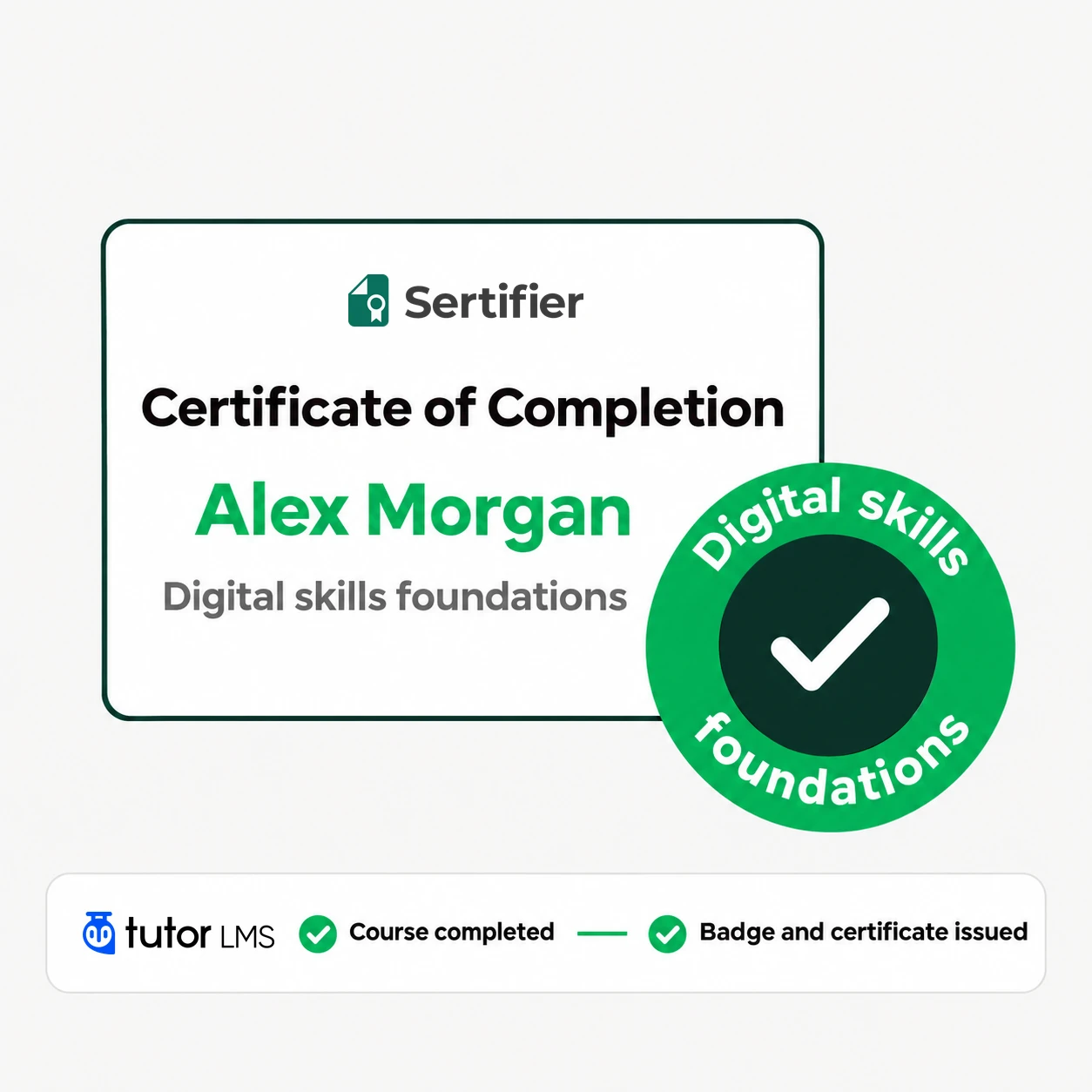
The documented Sertifier connection supports course-completion automation and manual issuance to selected students. The WordPress plugin connects to your Sertifier account, and the selected credential determines what learners receive. Read the Tutor LMS and Sertifier setup guide.
Example
Example: one academy, two kinds of recognition
For a proposed professional learning academy, use a course-completion award for learners who finish the required course. If you also run a separately reviewed workshop, issue an award that describes that workshop rather than reusing the course-completion wording.
Automatic course award
Connect a course to its credential and verify the completion trigger using a test student.
Reviewed workshop award
Use the documented manual sending option for selected students after your team checks the participation record.
Consistent recipient experience
Use a clear issuer name and program description across awards. Keep completion, participation and assessed achievement distinct.
Getting started
Before your first learner enrolls
Assign an owner
Assign an owner for WordPress updates, backups and plugin compatibility.
Test the learner journey
Test course access, payment and completion with a controlled learner.
Check the award wording
Confirm that the certificate or badge says exactly what the learner earned.
Check delivery
Check delivery and public credential details before enabling a wider campaign.
Budget for Sertifier
Include the applicable Sertifier plan in the total operating budget.
Choose your next step
Still choosing Tutor LMS
Review the current plan and check it against the learning, branding and operational requirements of your program.
Explore Tutor LMSAlready using Tutor LMS
Start with one credential campaign and one controlled test recipient before expanding to your next cohort.
Create your Sertifier accountFAQ
Frequently asked questions
Is Tutor LMS free?
Does Tutor LMS offer a lifetime license?
Can Tutor LMS verify certificates without Sertifier?
Does Tutor LMS support SCORM?
Can I send credentials manually?
Other Sertifier partners
 CRM and marketing automation
HighLevel
Evaluate HighLevel for your agency or training business. Compare plans, native credentials and when a Sertifier workflow fits your program.
View partner Course platform
Thinkific
Assess Thinkific for your course business: platform fit, current plan choices, built-in certificates and when to connect Sertifier credentials.
View partner Forms and quizzes
Typeform
Explore Typeform examples for training quizzes, event feedback and recognition. Plan response limits and connect qualified submissions to Sertifier.
View partner