
Sertifier partners · SurveyMonkey
SurveyMonkey review for training feedback and credentials
SurveyMonkey helps teams collect feedback and assessment responses. Before connecting a survey to certificates, decide what the credential proves and whether the response should be anonymous.
Affiliate disclosure: Sertifier may earn a commission if you purchase through the SurveyMonkey links on this page.
Documentation-based evaluation, checked 12 November 2026. This page does not claim hands-on testing.
Pricing
SurveyMonkey pricing: check the response workflow
Start with the response volume and survey features you need, then check the integration requirement. The notification-only event and the event that includes answers are different. A Basic account or a monthly paid subscription does not satisfy the documented annual-plan requirement for the With Answers trigger.
Use SurveyMonkey’s current pricing to compare billing cycles and plan limits. Do not purchase a plan based only on whether it can send a completion notification.
Source: SurveyMonkey prerequisites on Zapier. Documentation checked 12 November 2026.
Privacy
Is SurveyMonkey anonymous?
It depends on the survey design, collector and integration settings. Asking for a name or email inside the survey can identify a respondent even if an anonymous collector option is enabled. Review those settings before describing a survey as anonymous.
For anonymous training feedback, keep credential delivery separate: collect the feedback without identifiers, and issue credentials from a separate eligible-participant record. Do not add an identifier to anonymous responses merely to automate a certificate.
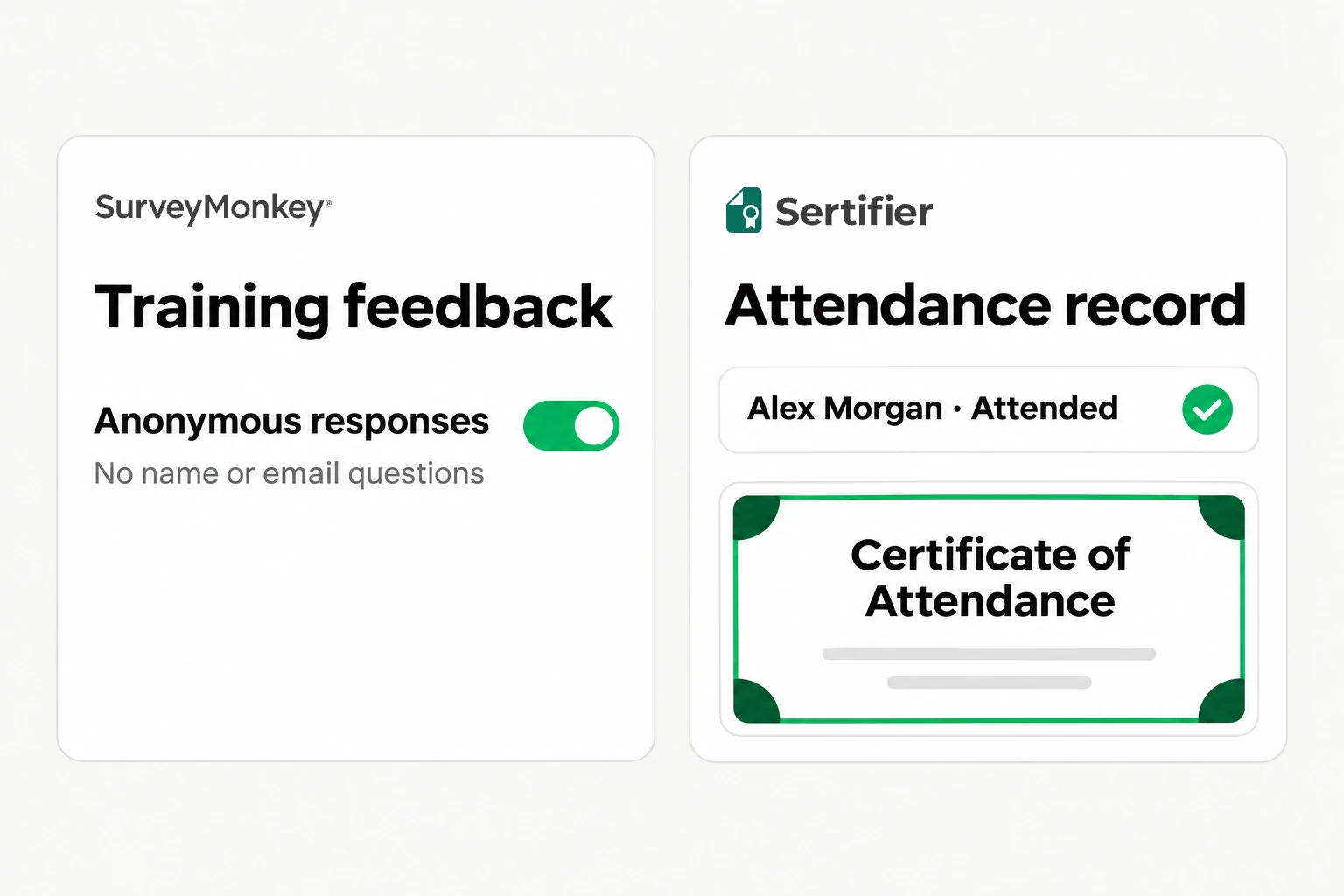
Source: SurveyMonkey anonymous responses. Documentation checked 12 November 2026.
Eligibility
Define what the certificate proves
A survey response can establish that a form was completed. It does not independently prove attendance or a passing assessment. Decide which source establishes eligibility before connecting the response to a credential.
For scored quizzes, inspect a real test response and confirm whether the necessary score is available to the automation. If it is not, use a reviewed recipient list or a supported completion source. The workflow below is for identified, eligible recipients; it is not a way to identify anonymous survey respondents.
Fit
Where Sertifier fits
Use Sertifier when certificates and digital badges need a shared issuing process across courses, events and other learning tools. Define the achievement, prepare a credential design and choose the campaign that should receive each eligible person.
Evaluate digital certificates and digital badges against the tools you already have. A second system adds setup and operating costs, so use it when it solves a specific cross-platform requirement.
Check current Sertifier pricing and add-ons before budgeting. The pricing page lists advanced analytics as an optional add-on; do not assume every reporting feature is included in the base configuration.
Getting started
Plan and test the issuing workflow
Prerequisites: The With Answers trigger requires an annual paid SurveyMonkey plan; monthly plans are excluded. Test the exact response fields before configuring eligibility.


Choose the trigger
Select SurveyMonkey New Response Notification With Answers in Zapier and confirm what it proves.
Check eligibility
Match the learner to the correct course or program before anything is issued.
Add the Sertifier action
Map the recipient to a Sertifier campaign with Add & Publish Credential.
Test, then turn it on
Run one eligible record, one ineligible record and a repeated event before enabling routine issuing.
Before you turn on email delivery
- Validate the recipient name and email.
- Review publication settings and credential dates.
- Keep an external reference where supported.
- Test duplicate handling rather than assuming it is automatic.
- Recheck plan access in each account.
Source: Sertifier actions on Zapier. Documentation checked 12 November 2026.
Choose your next step
Still choosing SurveyMonkey
Explore the source platform if you are still choosing learning tools.
Explore SurveyMonkeyReady to issue credentials
Start with Sertifier if you already have an eligible-recipient process and need certificates or digital badges across your tools.
Create your Sertifier accountFAQ
Frequently asked questions
Can an anonymous survey issue a named certificate?
Which SurveyMonkey event includes the answers?
What should I check before enabling automatic issuing?
Other Sertifier partners
 CRM and marketing automation
HighLevel
Evaluate HighLevel for your agency or training business. Compare plans, native credentials and when a Sertifier workflow fits your program.
View partner Course platform
Thinkific
Assess Thinkific for your course business: platform fit, current plan choices, built-in certificates and when to connect Sertifier credentials.
View partner WordPress LMS
Tutor LMS
Evaluate Tutor LMS for your WordPress academy. Compare free and Pro, annual and lifetime licenses, built-in certificates and Sertifier workflows.
View partner Forms and quizzes
Typeform
Explore Typeform examples for training quizzes, event feedback and recognition. Plan response limits and connect qualified submissions to Sertifier.
View partner Course platform
LearnWorlds
Compare LearnWorlds plans, native certificates and the Zapier workflow for managing credentials across your learning tools with Sertifier.
View partner Forms
Jotform
Evaluate Jotform for training registration and feedback. Compare its PDF certificates with a Sertifier workflow and choose when a submission should qualify.
View partner WordPress memberships
MemberPress
Evaluate MemberPress pricing, course certificates and Scale plan requirements for a Zapier connection to Sertifier. Plan beyond the first-year offer.
View partner Community platform
Circle
Compare Circle plans for learning communities. Understand course and quiz triggers, community recognition and when to add Sertifier certificates or badges.
View partner Workflow automation
Zapier
Plan Zapier costs for Sertifier certificate workflows. Understand triggers, billable actions, eligibility checks and how to test before issuing credentials.
View partner