
Sertifier partners · Typeform
Typeform examples for training, quizzes and recognition
A useful form collects the information you need for the next decision. These sample workflows show how Typeform responses can support a Sertifier credential without confusing a submission with a verified achievement.
Sertifier connects with Typeform. We may receive a referral reward when you subscribe through a referral link on this page.
Based on published product documentation. Checked 28 October 2026.
Overview
What is a Typeform?
A typeform is a form, survey or quiz created with Typeform. The platform offers form building, conditional logic and integrations. For a training team, the useful question is what the response should lead to: feedback, review or an award.
Examples
Four Typeform examples you can adapt
These are original sample form outlines, not customer screenshots or live templates. Adapt the questions and eligibility checks to your program.
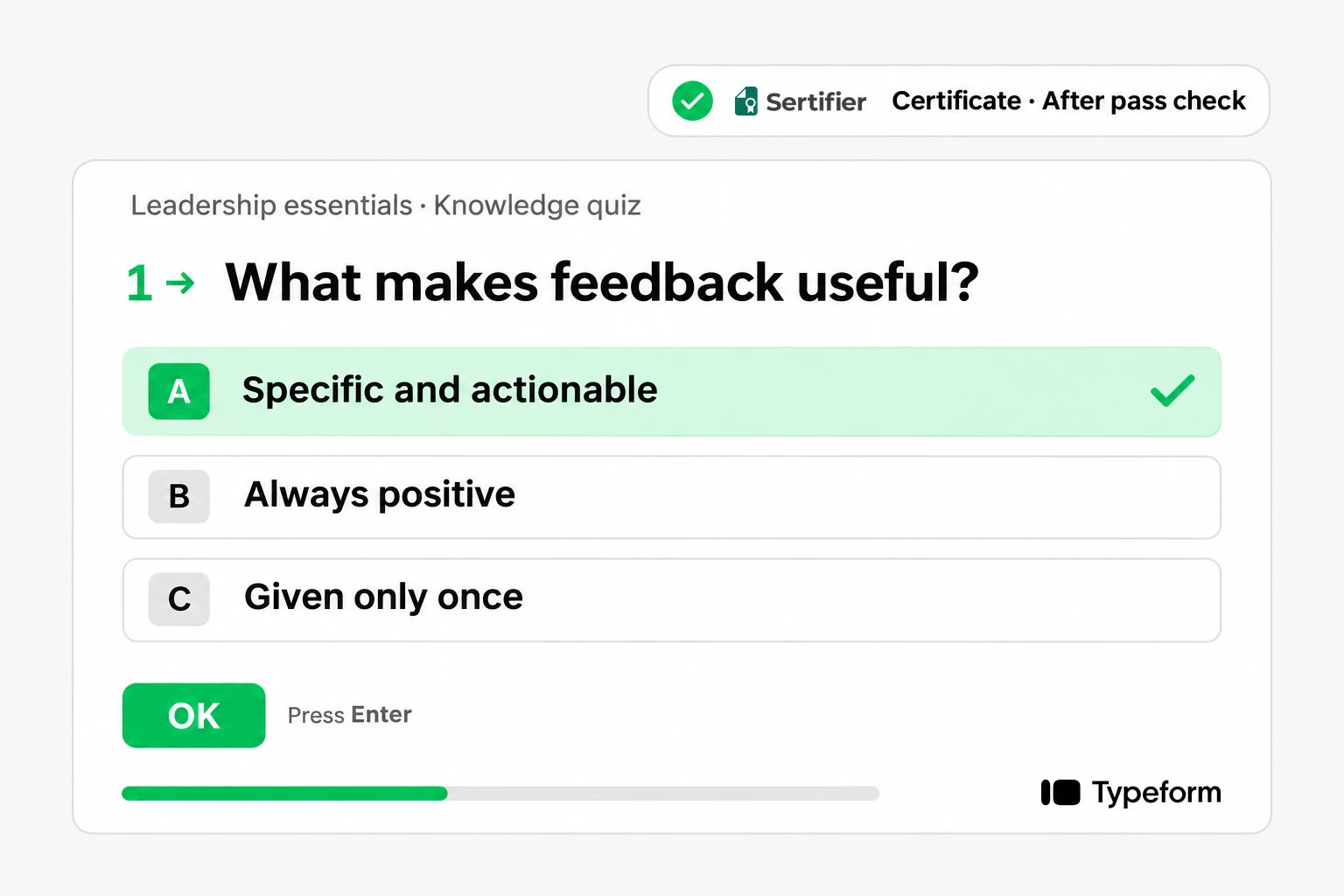
Training knowledge quiz
Ask for name and email, then use questions tied to the learning objectives. Example prompt: “Which action should come first in this workflow?” Record the result and review it against your pass rule before awarding achievement.
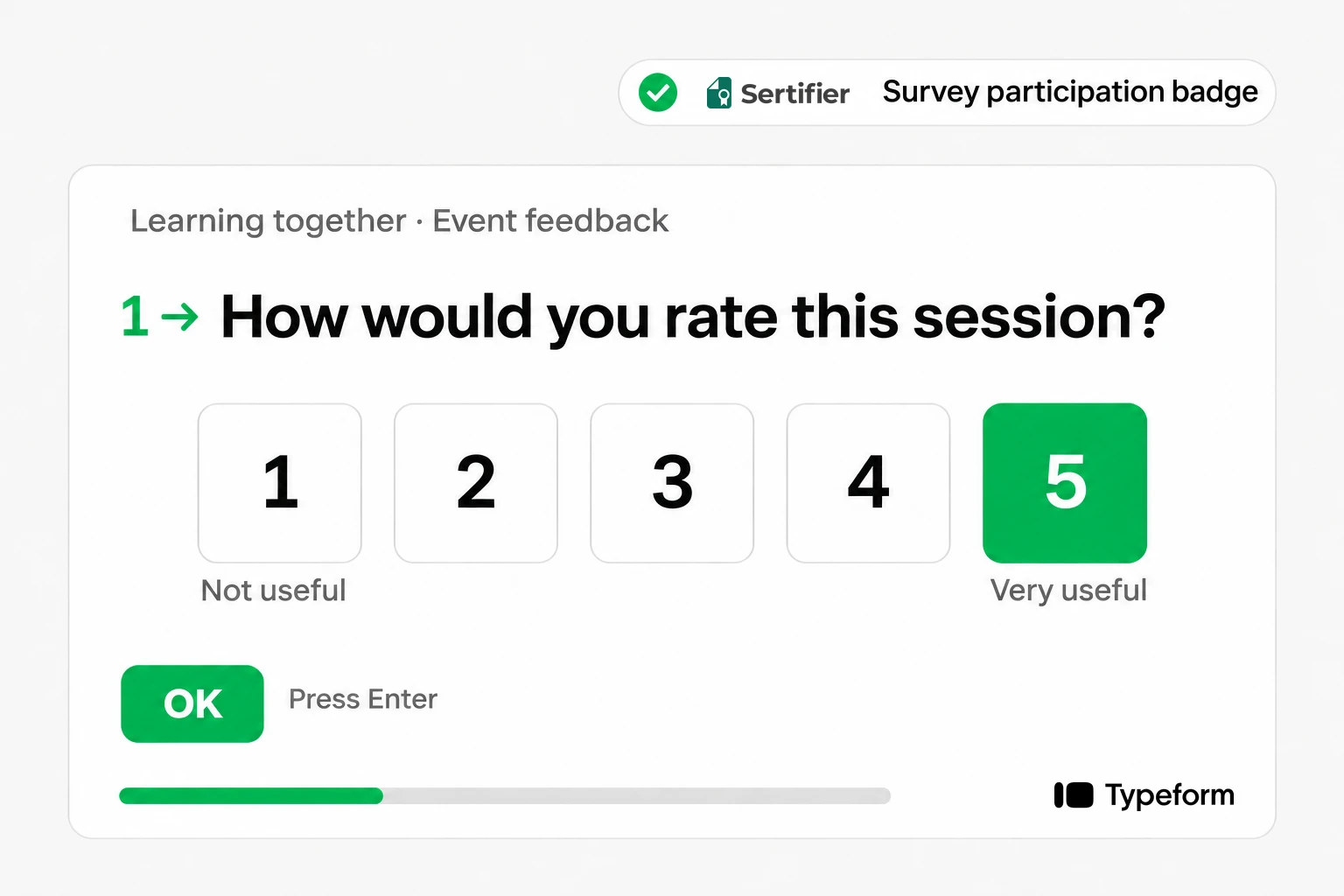
Post-event feedback
Ask which session the respondent attended and what could improve. Feedback alone is not attendance evidence. Match an attendance record before issuing an attendance certificate; otherwise recognize survey participation only.
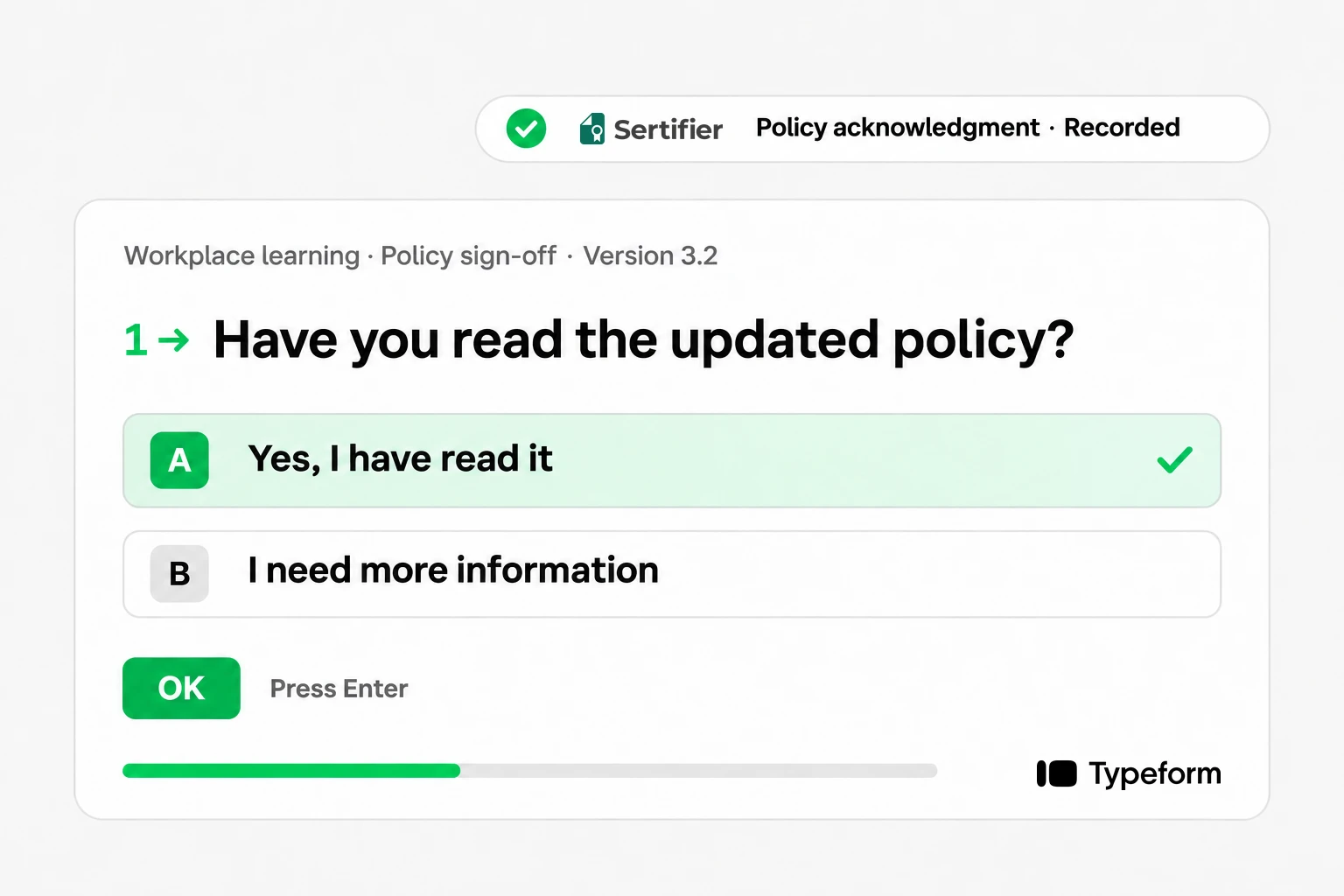
Policy acknowledgment
Collect the policy version, respondent identity and acknowledgment date. Describe the resulting record as an acknowledgment. A checkbox does not establish competence or regulatory compliance.
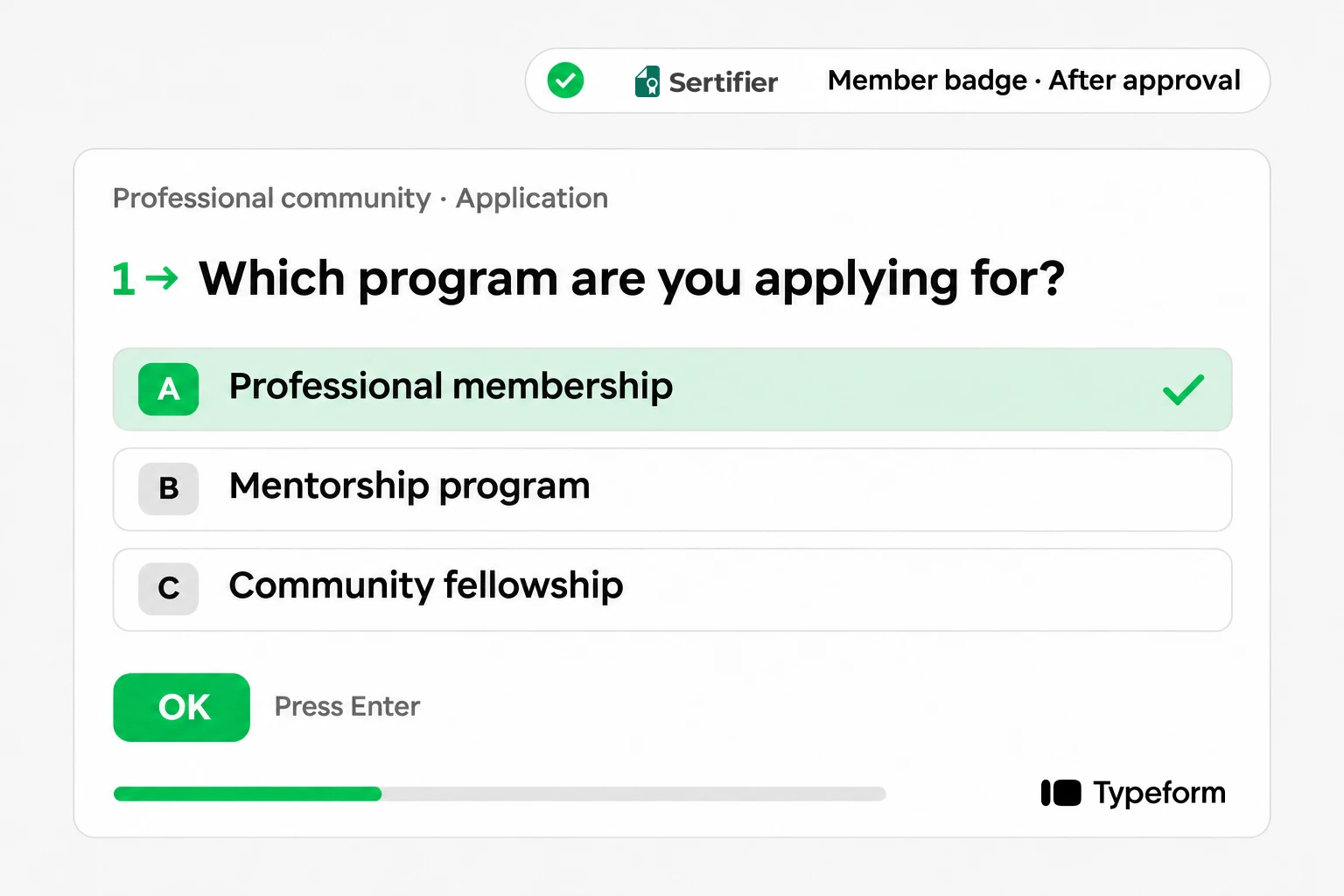
Membership application
Collect the application details needed for your review. Issue a membership badge after acceptance, not merely because the application was submitted.
How it connects
From Typeform quiz to a Sertifier credential
Sertifier documents a native connection: authorize Typeform, select the form, map recipient fields and configure a credential campaign. New submissions retrieve recipient data. Instant Sending can be turned off so submissions can be reviewed before issuance. Read the Typeform and Sertifier setup guide.
| Stage | What your team decides |
|---|---|
| Collect | Which fields identify the recipient and describe the activity? |
| Check | Does the submission meet the award criteria? Is separate evidence required? |
| Issue | Which certificate or badge accurately represents the approved outcome? |
| Verify | Are the recipient, issuer and achievement details correct? |
For a pass-only quiz award, a mapped score is not proof of an automatic pass filter. Keep sending under review until your selected eligibility process has been tested. Include a passing entry, a failing entry and a repeated submission in the test.
Pricing
Typeform pricing: budget for responses and the full workflow
Choose your plan around submissions, users, branding and integration requirements. Typeform’s live pricing page lists Basic, Plus and Business, alongside specialist plans. Compare the current response allowance and billing term on the official pricing page.
Count every expected response, not only successful learners. Retakes, test entries and feedback can affect capacity. A training cohort can need more responses than it has participants, so leave room for your actual workflow.
Typeform offers a free plan with limits. For the Sertifier connection, the documented prerequisite is a Typeform plan that supports integrations. Confirm entitlement for your selected plan and budget for Sertifier separately.
Fit
When Typeform and Sertifier make sense together
Our assessment: this combination is useful when the form is already a meaningful part of the program and your team has a clear rule for recognition. It is less useful when a form adds an unnecessary step to a course platform that already records completion.
Choose the form for the task
Use a survey for feedback, a quiz for an assessment and an application for review. The credential should follow the purpose of the form.
Keep the award precise
A participation badge, completion certificate and assessed skill award make different claims. Use the title and criteria that match your evidence.
Explore Sertifier digital certificates and digital badges to decide which recipient experience suits the outcome.
Choose your next step
Still choosing Typeform
Review the current plan and check it against the learning, branding and operational requirements of your program.
Explore TypeformAlready using Typeform
Start with one credential campaign and one controlled test recipient before expanding to your next cohort.
Create your Sertifier accountFAQ
Frequently asked questions
Can I create a Typeform quiz with a certificate?
Does the connection require Zapier?
Will everyone who submits receive a credential?
Can I put a score on the credential?
Can an event feedback form prove attendance?
Other Sertifier partners
 CRM and marketing automation
HighLevel
Evaluate HighLevel for your agency or training business. Compare plans, native credentials and when a Sertifier workflow fits your program.
View partner Course platform
Thinkific
Assess Thinkific for your course business: platform fit, current plan choices, built-in certificates and when to connect Sertifier credentials.
View partner WordPress LMS
Tutor LMS
Evaluate Tutor LMS for your WordPress academy. Compare free and Pro, annual and lifetime licenses, built-in certificates and Sertifier workflows.
View partner