10 best webinar tools and platforms (free and paid)

Table of Contents
The 10 best webinar tools and platforms at a glance
Zoom Webinars, Livestorm, and GoTo Webinar are the strongest picks for most teams, and this guide compares 10 webinar platforms in total. Each entry covers what the tool does well, where it falls short, and who it fits best.
The right choice depends on your audience size, budget, and how much automation you want. Browser-based tools like Demio and Livestorm keep things simple, while Webex, Microsoft Teams, and ON24 target large enterprise events.
Zoom
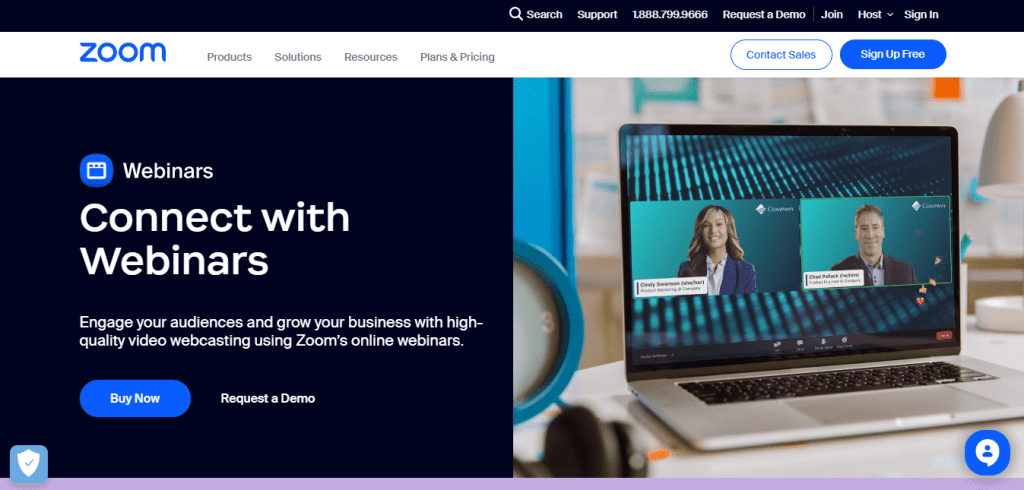
Zoom is the obvious starting point because so many teams already use it for meetings. Zoom Webinars is a separate add-on that supports large audiences, with capacity tiers that reach up to 50,000 attendees, and you can stream sessions live to YouTube or Facebook. Audio and video quality are solid, and the interface is familiar to almost everyone.
You also get Q&A, polls, and breakout rooms. The drawbacks are cost, which climbs quickly at higher attendee tiers, and a registration flow that feels dated. If you run training webinars on Zoom and issue certificates of attendance afterward, Sertifier’s Zoom integration can automate that follow-up step.
Webex by Cisco
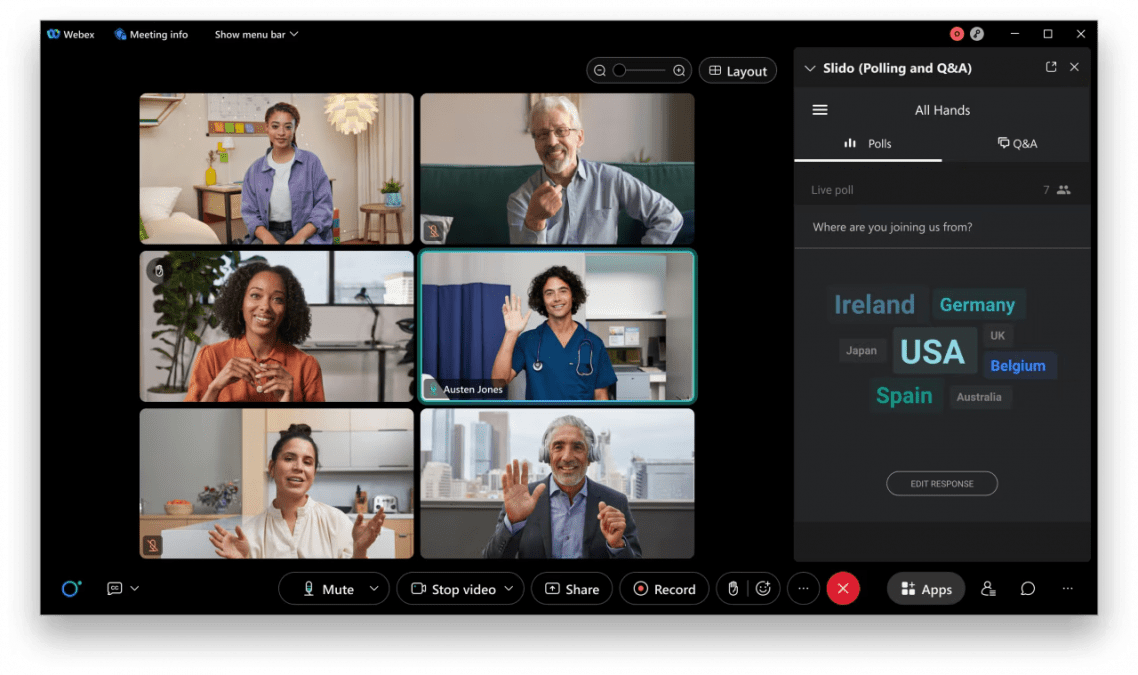
Webex has been around for decades, and it remains one of the most dependable platforms for security and performance. Webex Webinars, previously known as Webex Events, handles large audiences and includes closed captioning, real-time translation as a paid add-on, and detailed reporting.
Enterprise users who run high-stakes events tend to stick with it. The interface can feel dated next to newer systems, but stability is the point here. Choose Webex when reliability matters more than a modern look.
GoTo Webinar
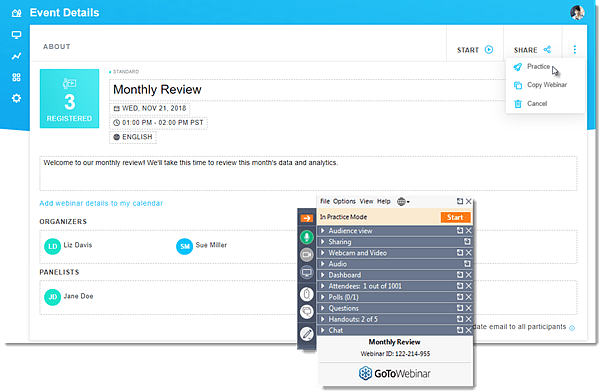
GoTo Webinar has been a popular choice for years because it is reliable and easy to run. It covers polls, Q&A, screen sharing, live video, and automatic recording, and its webcast mode lets up to 3,000 attendees join straight from a browser.
Automated emails and reminders keep registrants informed without manual work. The interface looks plain and customization is limited, but it remains a dependable workhorse for corporate education and training.
Demio
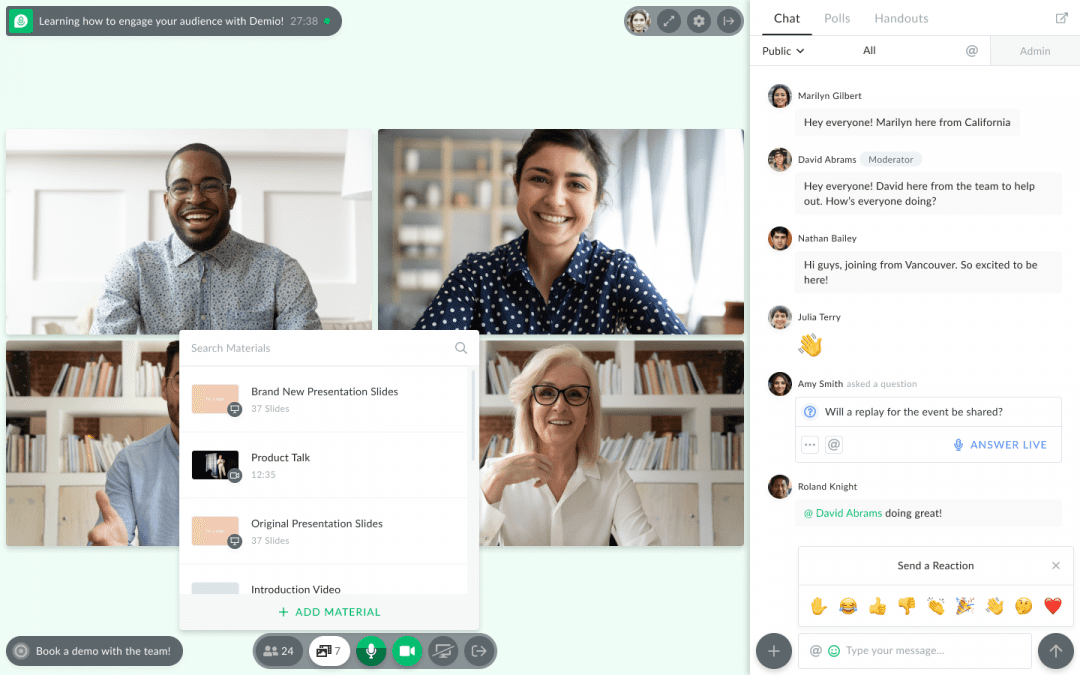
Demio is built for marketers who want a clean, browser-based experience. Attendees join with a single click and never download anything, which makes it a good fit for lead-generation webinars, onboarding sessions, and product demos.
Polls, handouts, automated replays, and custom branding are all easy to reach. Choose Demio if you value a polished, simple experience over enterprise-scale feature lists.
Livestorm
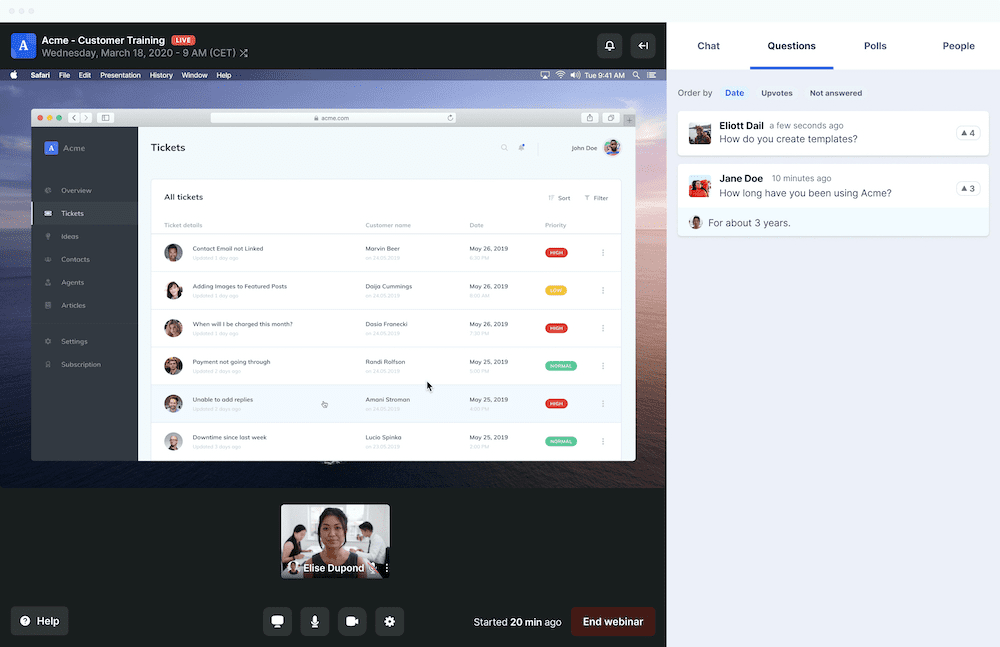
Livestorm is another browser-based platform, aimed at marketers and educators who want to automate events. You can run live sessions, recurring automated webinars, or on-demand replays, with registration pages, email tools, chat, polls, and Q&A built in.
Automation is its biggest strength, since you can set a sequence up once and let it run on its own. Customization options are fairly basic, and the free plan is limited to short sessions with a small monthly contact allowance.
BigMarker
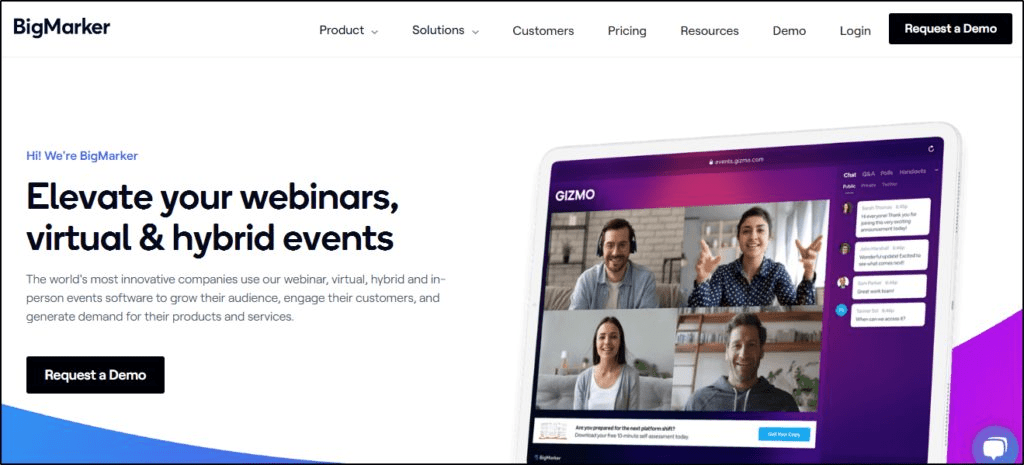
BigMarker is a full virtual event platform rather than just a webinar tool. It supports live, recorded, and automated webinars, plus expo booths and lead-capture forms embedded directly in your presentation.
Broad customization and built-in marketing tools make it a fit for larger businesses. It costs more than simpler tools, and the sheer number of features takes time to learn.
Microsoft Teams
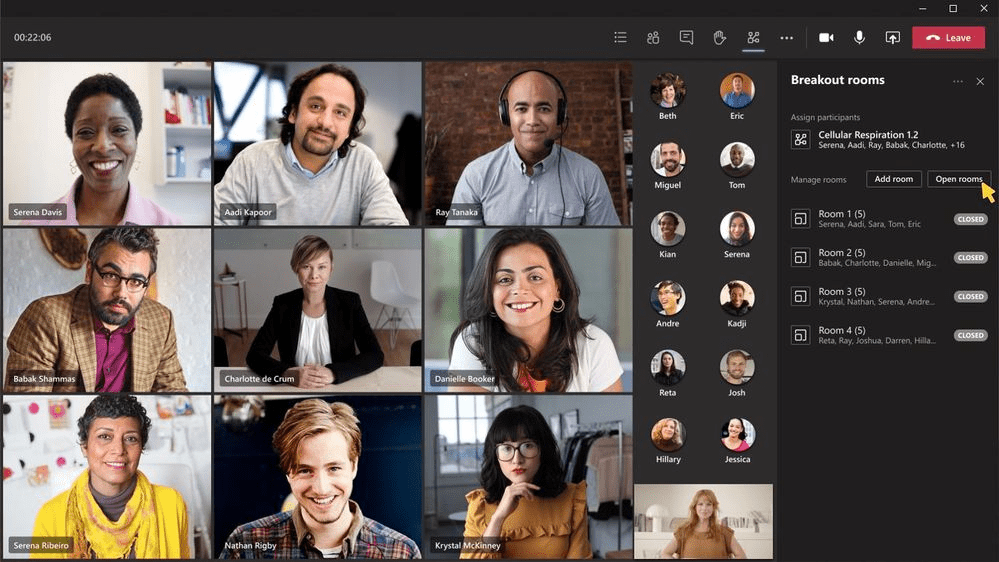
Microsoft Teams is the easiest choice for organizations already on Microsoft 365. Its integration with Outlook, SharePoint, and the rest of the Microsoft stack makes internal webinars and training sessions convenient to schedule and run.
Teams has retired its old live events format in favor of town halls, which host up to 10,000 attendees, and Teams Premium raises that ceiling further. Teams offers fewer engagement features than dedicated webinar platforms, and external guests who do not use Teams may find joining awkward. It makes sense mainly for companies already living in the Microsoft ecosystem.
ClickMeeting
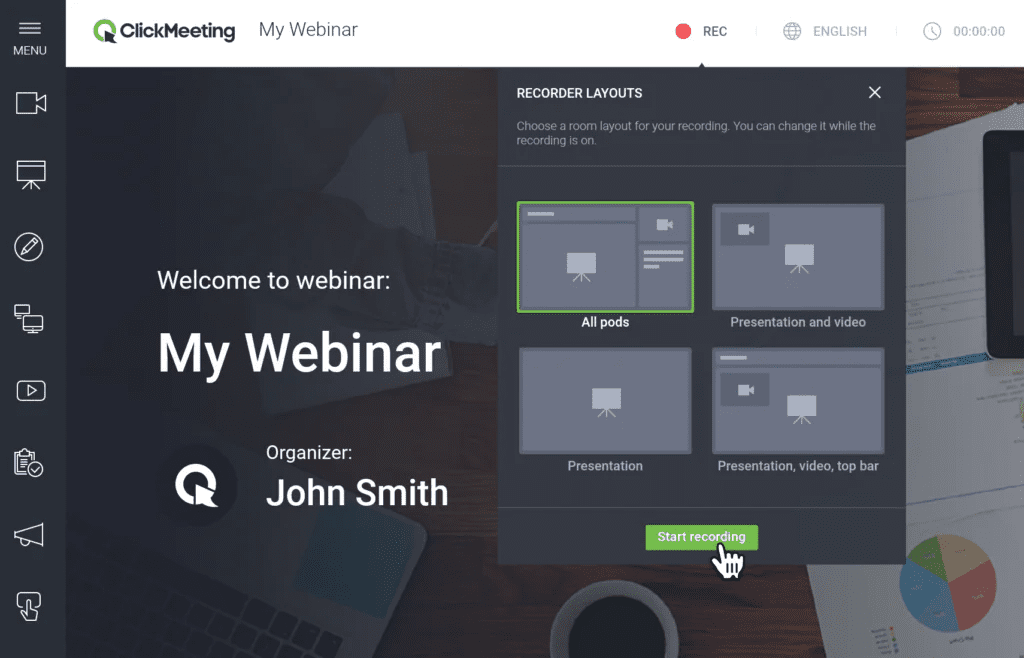
ClickMeeting suits instructors, coaches, and small businesses that want an affordable, flexible option. It supports live, automated, and on-demand webinars, and its paid webinars feature lets you sell tickets through Stripe or PayPal.
Polls, screen sharing, whiteboards, and custom branding are all included. The interface is not the prettiest, but it is popular in education and training for a reason.
Restream
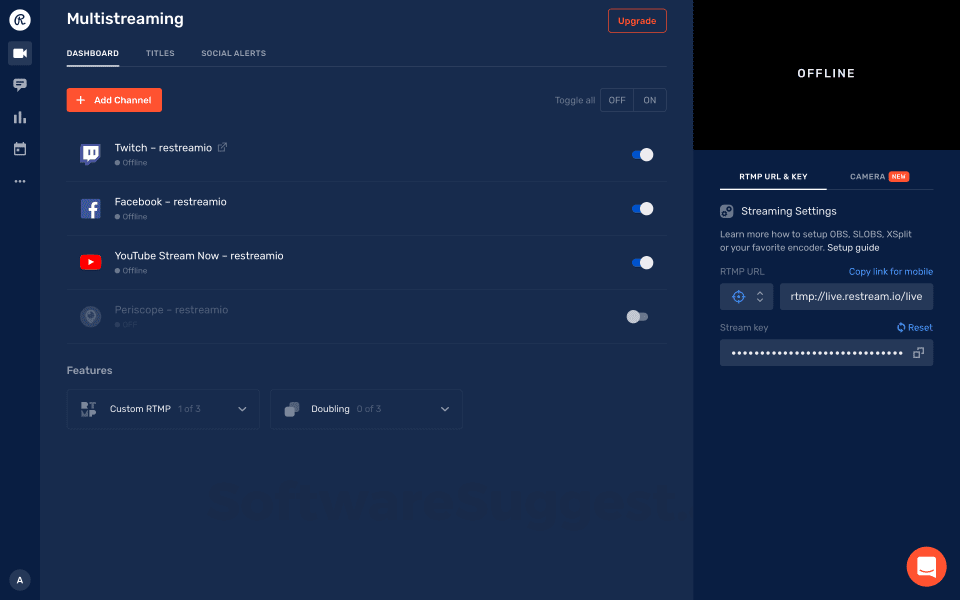
Restream is the pick if reach matters more than registration pages. It simulcasts your webinar to Facebook, LinkedIn, YouTube, and other destinations at the same time, and it pulls chat from every platform into one view.
It is not a traditional webinar platform, so pair it with Zoom, OBS, or another tool for registrations and replays. Creators and advertisers who want maximum visibility get the most out of it.
ON24
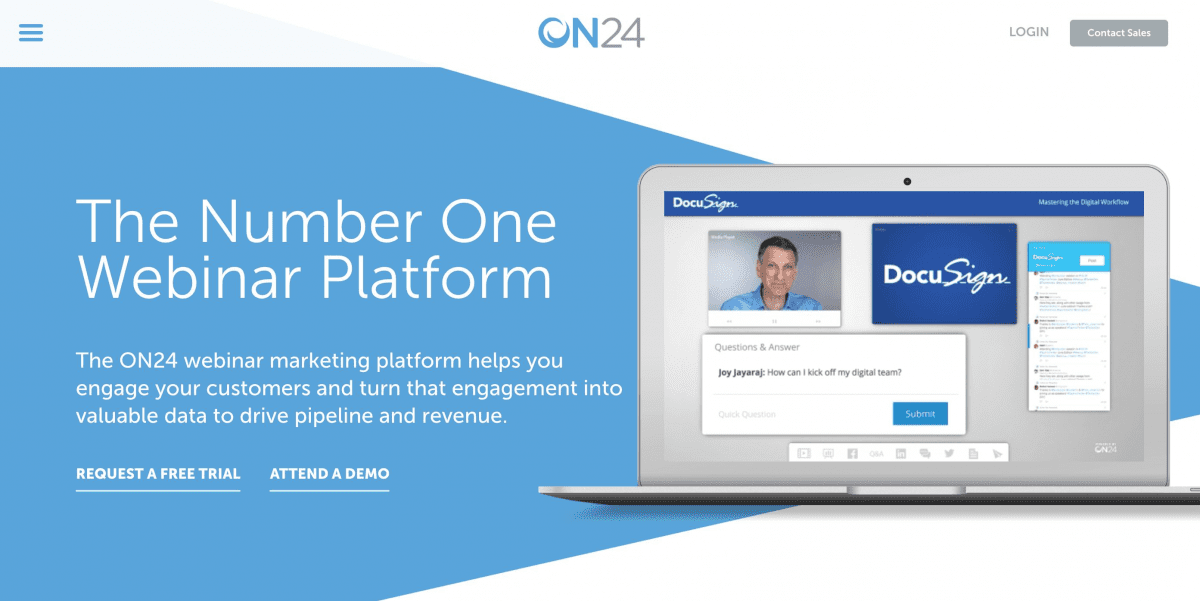
ON24 is built for enterprise marketing teams that treat webinars as full campaigns. It captures detailed engagement data, including view time, poll responses, and content clicks, and pushes it straight into your CRM for segmentation and follow-up.
Post-event analytics are the deepest on this list. It is priced for large organizations and takes real effort to learn, so it is not a starter tool.
Conclusion
Ten tools is a lot, so here is the short version. Pick Zoom, Demio, or GoTo Webinar if you want something simple, and look at BigMarker or Livestorm for marketing-led events.
Webex, Teams, and ON24 fit large corporate events, while ClickMeeting is the budget pick and Restream wins on reach. Most of these platforms offer demos or free trials, so test your shortlist before committing.
Frequently asked questions
Which webinar tool is best overall?
Zoom Webinars is the safest all-around choice because most audiences already know the interface, it supports very large events, and it streams to YouTube and Facebook. Demio and Livestorm are better fits if you want a browser-based, marketing-focused platform.
Which webinar platforms work without a download?
Demio and Livestorm both run entirely in the browser, so attendees join from a link without installing anything. GoTo Webinar’s webcast mode also lets attendees join from a browser.
Is there a free way to host webinars?
Livestorm offers a free plan, though it is limited to short sessions and a small monthly contact allowance. Most other platforms on this list, including GoTo Webinar and ClickMeeting, offer free trials instead.
Can I charge attendees for a webinar?
Yes. ClickMeeting has a built-in paid webinars feature that sells tickets through Stripe or PayPal, which makes it a practical choice for coaches and trainers who monetize their sessions.
Which webinar platform is best for large enterprise events?
Webex, Microsoft Teams town halls, and ON24 are the strongest enterprise options. Teams town halls host up to 10,000 attendees, and ON24 adds the deepest analytics and CRM integration.