Bulk certificate downloads: check the batch before distribution

Before distributing a batch of certificate files, compare what you received with the awards you intended to include. A download completing does not, by itself, prove that your selection was correct or that each file will reach the right recipient.
The practical check is simple: define the expected awards, inspect the received output, resolve missing or unexpected records, and approve the distribution mapping. The workflow below is a proposed issuer control, not an automatic reconciliation feature or a guarantee of any export format.
Define the batch before requesting the download
Write down the program, campaign or other approved selection that defines the batch. Record when the selection was made and which records should be included. Use identifiers that your authorized records actually provide, rather than relying on a recipient’s display name alone.
Sertifier’s credential reports guide describes recipient information, campaign titles, credential status, credential IDs, page URLs and send dates, along with an Excel report download. These can help an operator describe the intended scope. Confirm the actual fields in your report before designing a matching rule.
If the selection changes while someone is checking the output, record the change and review the affected records again. Do not silently compare one version of the expected list with output from another selection.
Distinguish a report from the certificate output
A report describes records. A certificate file presents an award. They serve different purposes, even when both come from the same account.
Sertifier’s bulk-download instructions describe choosing credentials with filters under Analytics, using the bulk PDF download control and receiving the output by email. Follow the current product instructions for those steps. The instructions do not establish a universal file-naming convention or a one-file-per-award rule.
Do not use the number of downloaded files as your only acceptance check. A credential can have supporting pages, and the physical structure of a download does not explain which awards were intended. Inspect the actual output before choosing a matching method.
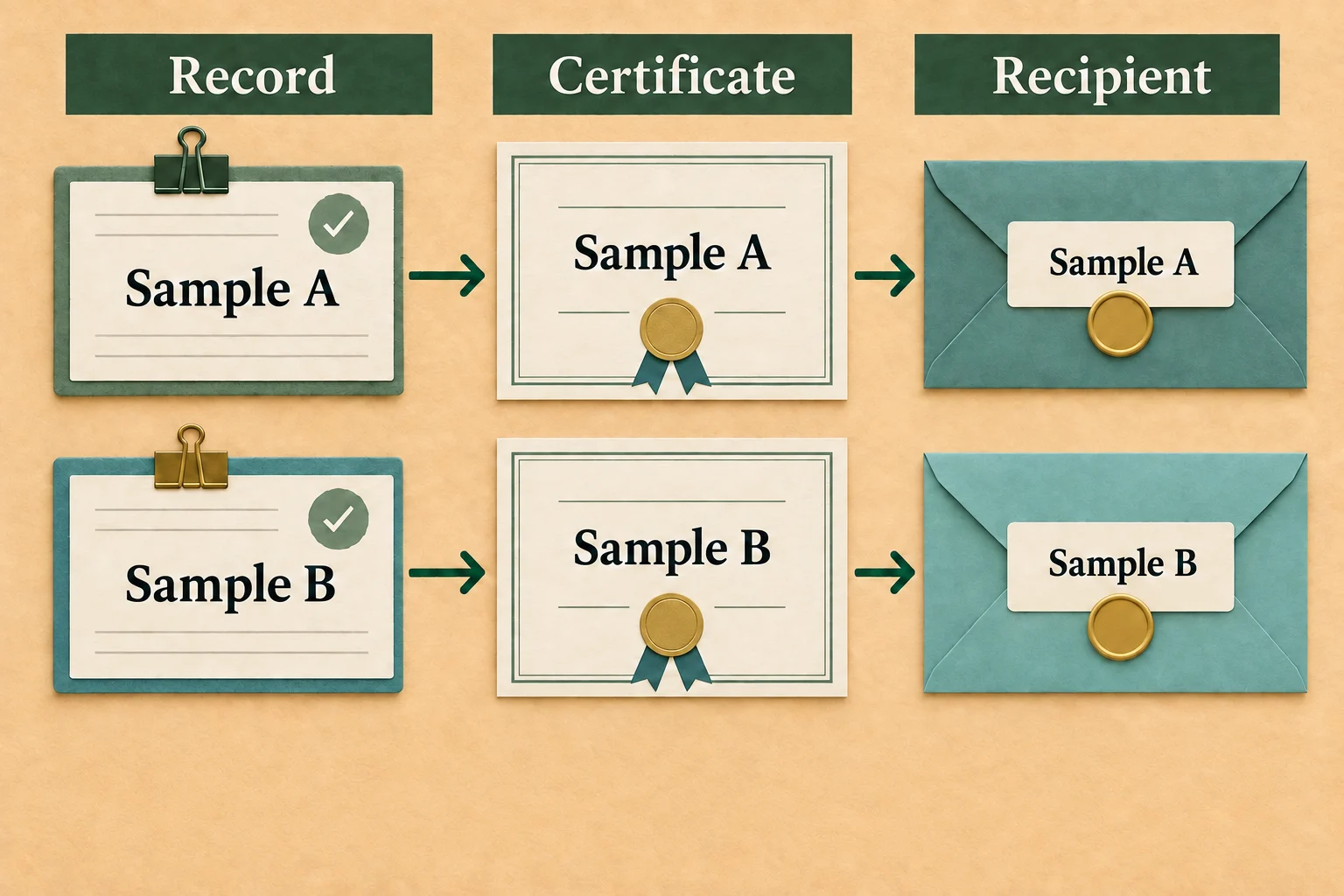
Match awards, not just filenames
Start with an authorized synthetic test batch. Keep real learner information out of public examples and unapproved shared workspaces.
For each expected award, identify its representation in the output using information you can verify. A filename may help navigation, but do not treat it as an authoritative credential identifier unless that relationship is documented and confirmed in your output.
If there is no reliable match, record the uncertainty rather than guessing. Matching only on a common name can assign a valid certificate to the wrong person. Where additional evidence is needed, use the minimum approved record information required to resolve the case.
| Case | Question to resolve | Distribution decision |
|---|---|---|
| Expected award found | Does the output represent the intended recipient and award? | Continue the remaining checks |
| Expected award missing | Was the selection correct, and is the received output complete for that selection? | Hold the unresolved item |
| Unexpected award included | Was this record authorized for the batch? | Do not distribute until scope is resolved |
| Repeated representation | Is this a supporting page, another award or a duplicate? | Resolve identity before assigning files |
| Recipient association unclear | What approved record establishes the match? | Do not guess the recipient |
These cases are proposed review tests, not claims that a particular product has produced these errors.
Keep file checks separate from credential changes
An unexpected export result is not a reason to issue another credential or modify an existing learner record. First determine whether the problem concerns selection, output, identification or distribution.
If a change to recipient data is genuinely required, use a separately approved change workflow. The recipient import scope guide explains why an import needs an explicit decision about which records may change. Do not turn a file-distribution check into an improvised correction or reissue.
Likewise, a vendor migration is a different job. The credential platform migration guide covers source-to-target mapping and verification continuity. This checklist concerns distributing an existing batch, without changing its platform or claim.
Approve the distribution mapping
Before sending files, check the relationship between the reviewed output and its intended destination. Correct award content is not enough if the attachment is assigned to the wrong recipient or distributed beyond the approved audience.
Keep a compact review record:
- The approved selection and its version or timestamp.
- The output reviewed and the matching method used.
- Missing, unexpected or ambiguous items and their resolution.
- The approved recipient-to-output mapping.
- The actual reviewer decision and any remaining holds.
Retain only the information your program permits. Do not invent a retention period or copy recipient data into a public checklist. If the batch is generated again, check the new output rather than assuming the earlier approval applies.
Use the documented download route
Use Sertifier’s bulk certificate download guide for the product steps, then apply the scope and matching checks above before distribution. The goal is a batch whose contents and destinations can be explained, with unresolved cases held for review rather than silently sent.