Certificate QR code print testing: a proof checklist
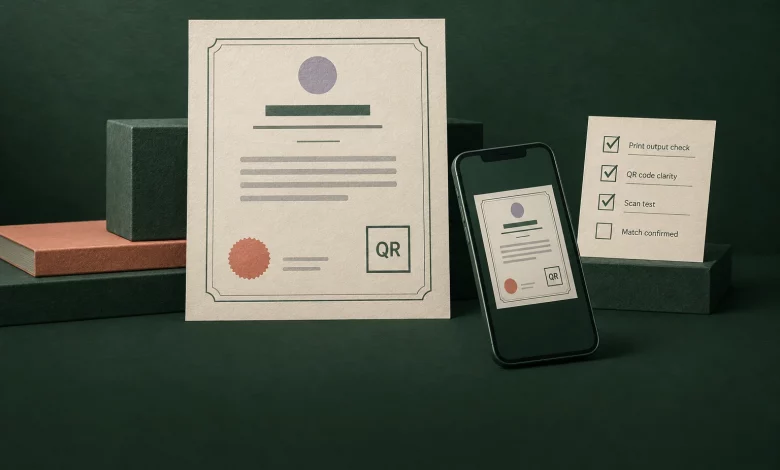
A certificate QR code has two jobs: it must be readable on the finished certificate, and it must take the reader to the correct credential. Test those jobs separately before approving a print run. A scan that opens a web page is not enough if the page belongs to another recipient.
Use the checklist below as a proposed issuer workflow, not a certification of your printer, scanner or credential platform. Keep the test records synthetic so that troubleshooting does not expose a learner’s personal information.
Start with the destination, not the artwork
Decide which credential the proof should open. Record a synthetic recipient, award name and expected credential address before exporting the design. Do not substitute a generic homepage when the intended task is to inspect an individual award. If your design intentionally points to a profile, state that distinction in the instructions beside it.
Sertifier’s QR design documentation describes adding a QR element in the credential designer and using it with printed or PDF certificates. The documented feature is the starting point for your test, not evidence that a particular print proof has passed.
There is an important distinction before you test: the designer shows a QR placeholder, while the actual code is generated when the certificate is issued, according to that same documentation. Do not treat scanning a designer preview as a production acceptance test. Use an authorized synthetic test credential’s issued output, then confirm the printed code resolves to that test record. Do not issue a real learner credential merely to test the layout.
Protect the code’s blank margin
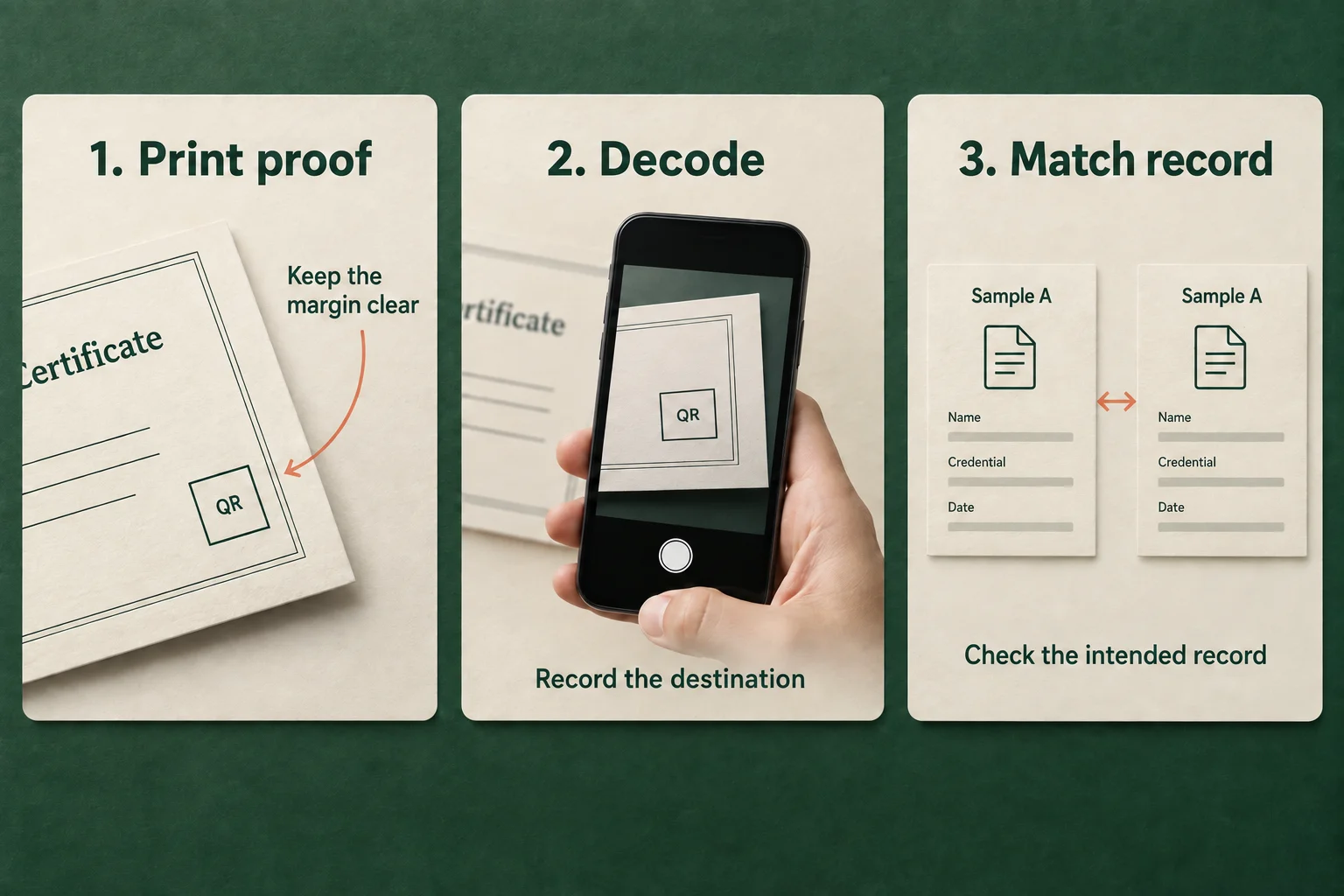
Keep borders, signatures and background decoration away from the QR symbol. For standard QR Code, DENSO specifies a blank margin at least four modules wide on every side. A module is one small square in the symbol. See the DENSO code-area guidance.
Do not crop the margin to make the artwork fit. Enlarge the allocated design area or revisit the layout. Also avoid treating one physical width as suitable for every code and device: DENSO’s module-size guidance explains that the printer and the scanner’s reading capability both matter.
This is a symbol-level check. Choosing the overall page format is a different decision, covered in the certificate size guide.
Test the final output, not only the designer preview
Make a proof using the export, printer settings, paper and finish intended for the actual run. Record whether the print dialog rescaled the page. An image that scans from a monitor does not establish that the resized paper version will behave the same way.
Use the devices and reading conditions relevant to the intended recipients. Record each observed result rather than writing “works on mobile” after an unspecified test. If a finish produces glare in the expected environment, include that condition in the proof review. These are practical test proposals, not claims that a specific material or phone will always pass or fail.
Separate decoding from record verification
| Check | What to record | Stop condition |
|---|---|---|
| Printed symbol | Proof version, print scaling and visible margin | Cropping or a changed print setup invalidates the prior result |
| Decoding | Device, application and decoded destination | No decode or an unexpected address |
| Page access | Whether the intended recipient can open the destination | Unexplained error or an inappropriate access requirement |
| Record match | Synthetic recipient, award and issuer compared with the proof | A different record, even if the page looks credible |
| Handoff | Approved proof and accountable print owner | Production file differs from the tested file |
Record an unresolved result as unresolved. Do not change the recipient’s credential or issue a duplicate merely to make a print test succeed. Route a wrong-record case to the issuance owner; route a decoding problem to the design/print owner before changing unrelated account settings.
Keep an acceptance record that can be repeated
Save the approved export version, proof date, print setup, device/application details, expected destination and observed outcome. Use redacted screenshots or synthetic examples for any shared evidence. If the template, QR destination or print scaling changes, repeat the affected checks instead of reusing the old approval.
The final decision should be specific: this proof reached this intended record under these recorded conditions. It should not claim universal scan reliability or prove that the underlying achievement is genuine merely because a QR code decoded successfully.
For general typography and layout, use the existing certificate design guide. To configure the documented QR element, follow Sertifier’s QR design instructions and apply this proof checklist before printing your cohort.