Multi-page certificates: keep every page tied to the right award

A multi-page certificate needs more than a consistent design. Its pages should describe the same recipient and the same approved achievement, with a clear job for each supporting page. Review the complete set and the individual pages before sending it to learners.
The checklist below is a proposed issuer workflow. It is not a claim that a platform automatically detects mismatched pages or makes a document an official academic transcript.
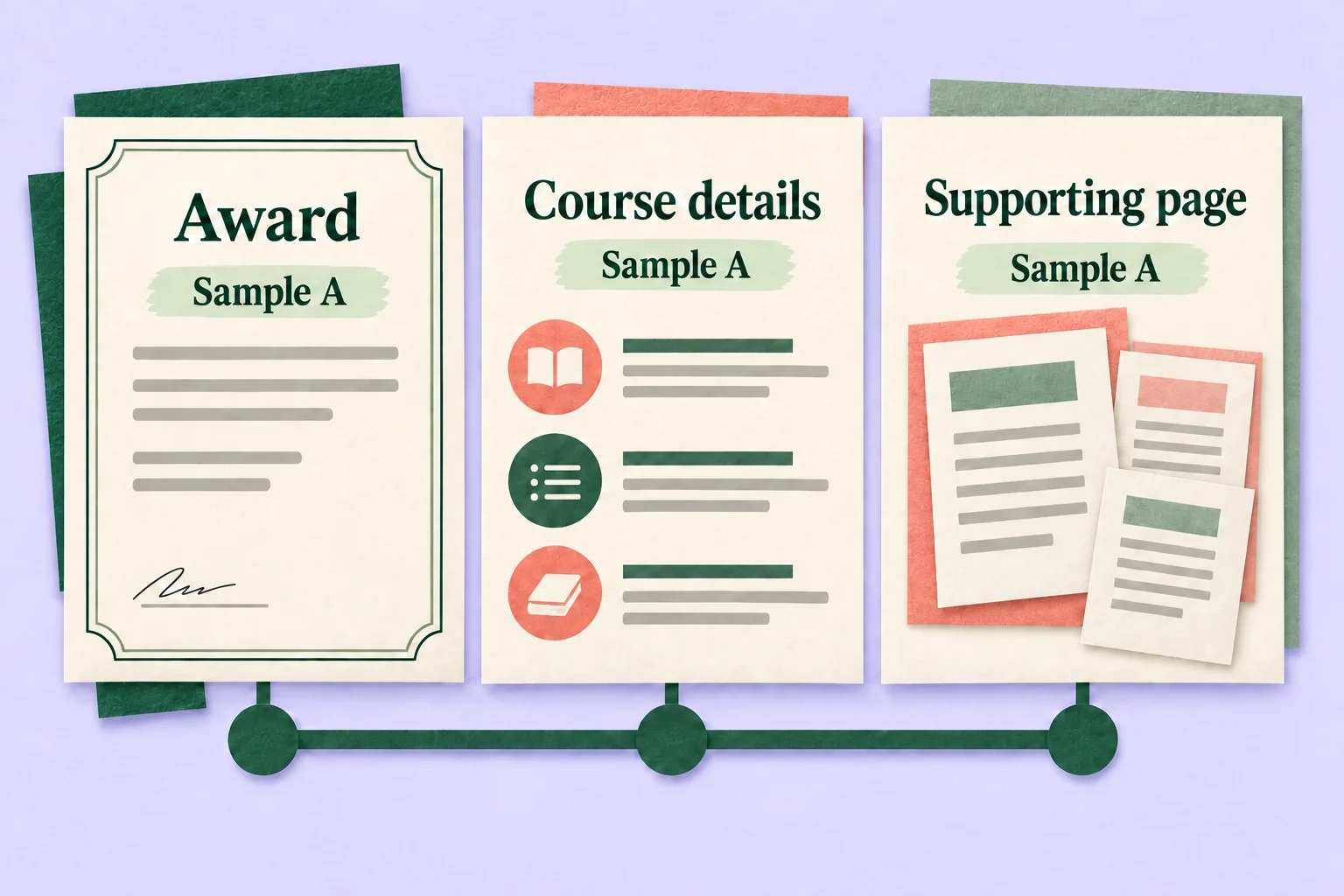
Give every page a defined role
Start with the award statement. What does the program actually recognize, and what evidence supports that claim? Then decide which additional pages help a reader understand it. More pages should not quietly imply more achievement.
| Page role | Reader question | Acceptance condition |
|---|---|---|
| Core award | What did this recipient receive? | Recipient, achievement and issuer match the approved record |
| Course detail | What learning does the award describe? | Modules belong to the same program and do not imply unassessed mastery |
| Alternative presentation | Is this another view of the same award? | Claim and identifying details remain consistent |
A module list can explain an attendance certificate without proving mastery of every listed skill. Label supporting material so that a reader can distinguish context from an assessed result. Ask the program owner to resolve ambiguous wording before changing the design.
Separate a page set from a cohort bundle
One credential with several supporting pages is a different object from a file containing certificates for several people. Define which one you are reviewing. Otherwise a page count can look correct even when pages belong to different recipients.
For a single credential, write down the expected page roles and the intended recipient before opening the preview. For a cohort bundle, recipient-to-file reconciliation is a separate distribution task. Do not treat either check as a substitute for confirming that the underlying award was authorized.
Review each page with populated information
Sertifier’s multi-page design guide describes independently customizable pages, page-level size and orientation, and previews populated with recipient attributes. It also describes reviewing the pages during the campaign’s Preview & Send step.
Use those documented previews to inspect the actual information, not just the empty layout. Check that the intended recipient, program description and award context stay consistent across the set. If a page uses a different orientation, review that page in its own layout rather than assuming the first page’s review covers it.
Text clipping is a separate check. Follow the certificate template data-fit guide for changing field lengths and optional values. Here, the question is whether the pages mean the same approved thing, even when every word fits neatly.
Test a missing page and a mismatched page separately
Use authorized synthetic examples for review. Never send intentionally incorrect test material as a real learner’s award.
| Test case | What the reviewer should notice | Action before release |
|---|---|---|
| Supporting page missing | The expected explanation is incomplete | Restore the intended set or revise its approved scope |
| Different recipient on a page | The set combines incompatible records | Stop and correct the data or page association |
| Different program or award wording | A supporting page changes the claim | Resolve the wording with the program owner |
| Old supporting-page version | The set describes inconsistent requirements | Confirm the approved version and repeat the affected review |
These are proposed acceptance cases, not observed product defects. Retain the expected and observed result for each case. An unresolved mismatch is not a pass.
Check what a separately shared page explains
The same official guide describes recipients selecting individual pages to view, download or share. Review whether a page encountered on its own makes its relationship to the award understandable. A descriptive page label and the documented route back to the credential may help; do not assume either is added automatically.
A detached page should not be treated as independently authenticated merely because it originated in a multi-page design. Keep verification claims within the behavior documented for the credential and the evidence your program has.
Record the approved set
Keep a compact record of the synthetic test reference, expected page roles, approved content version, reviewer decision and unresolved issues. Record which pages were checked individually as well as together. If a page’s purpose or claim changes, repeat the affected review instead of reusing the old approval.
For configuration steps, use Sertifier’s multi-page certificate instructions. Use this checklist alongside those instructions to decide whether the resulting page set communicates the award accurately.